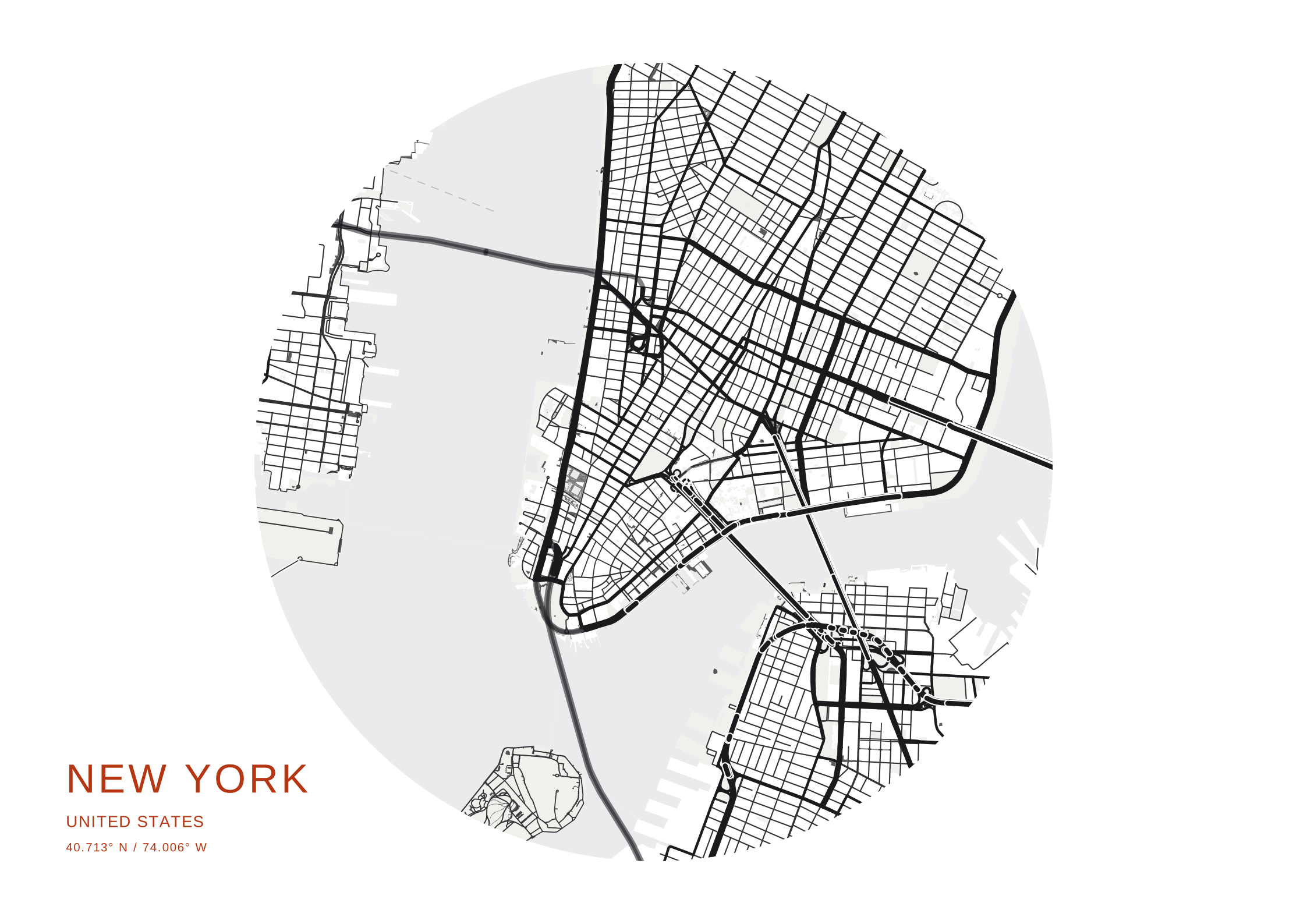
Circle · corner label
Corner labels leave a clear gap while the circle keeps its full size.
8 label studies made with the studio renderer. In the studio, open Text to try Corner label, Gradient title, Cut-out title or Outline title, then adjust position, alignment, colour and spacing.
Corner labels leave a clear gap while the circle keeps its full size.
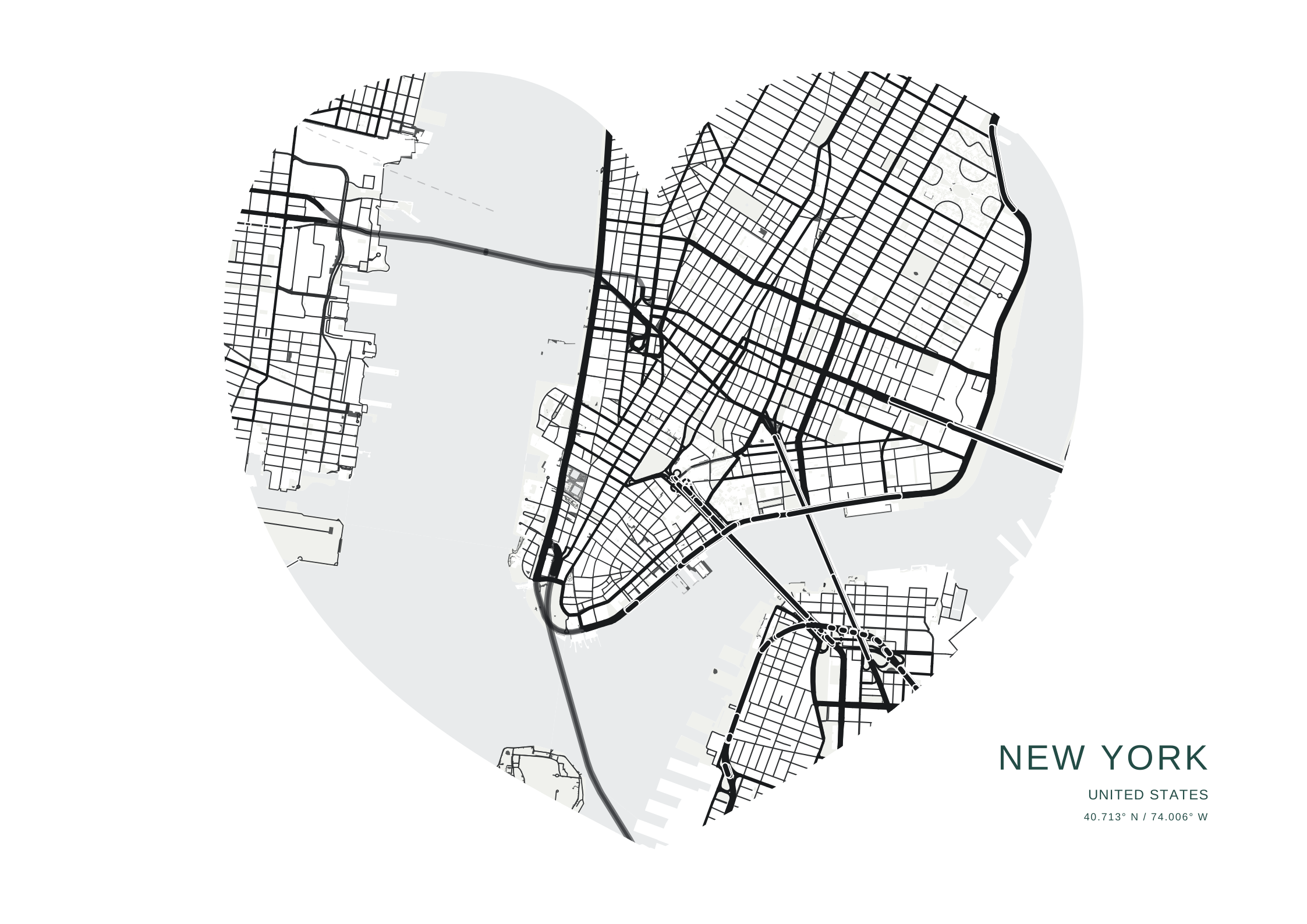
Labels occupy the empty canvas around the silhouette.
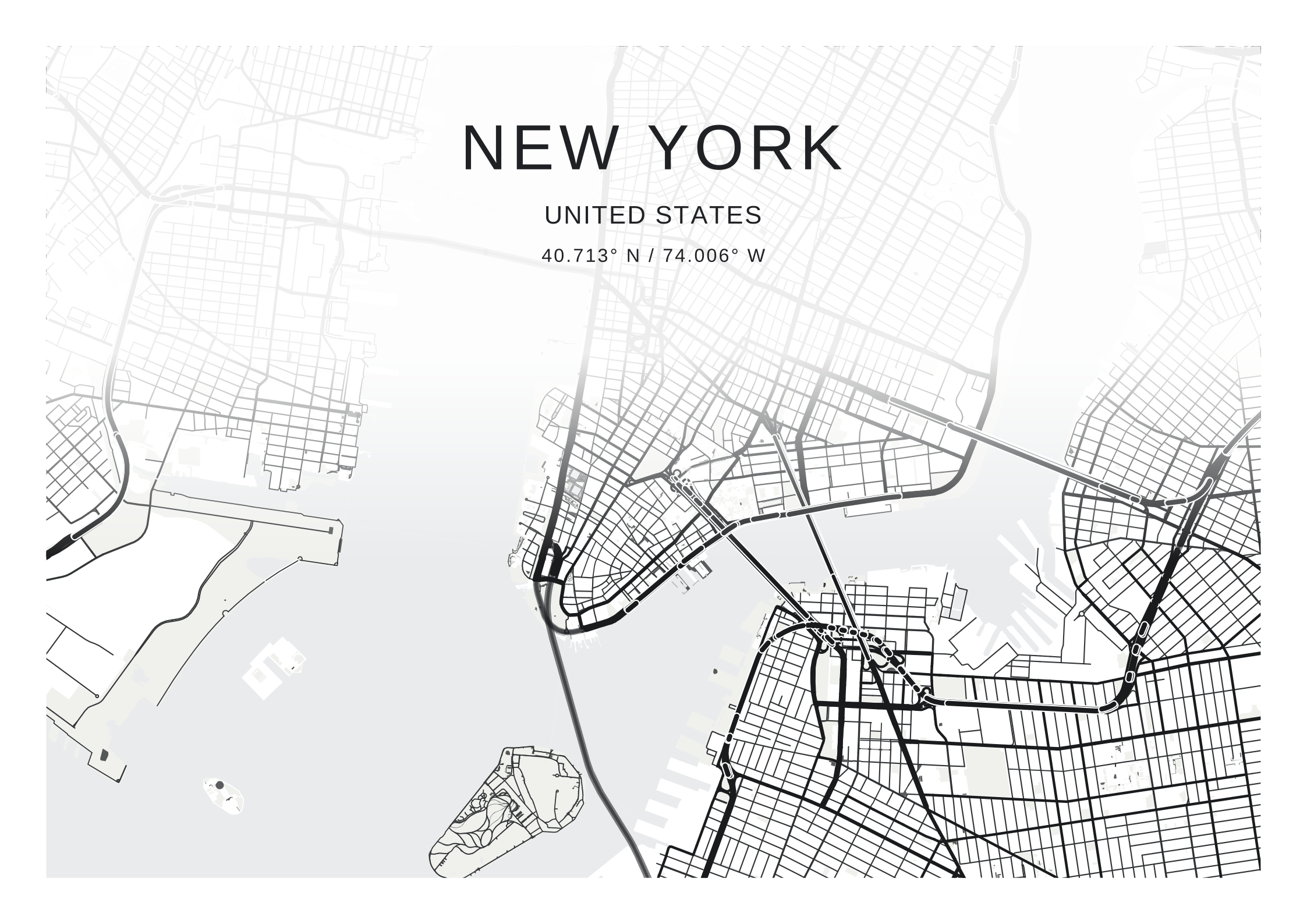
A soft paper fade creates room for type within the full map.
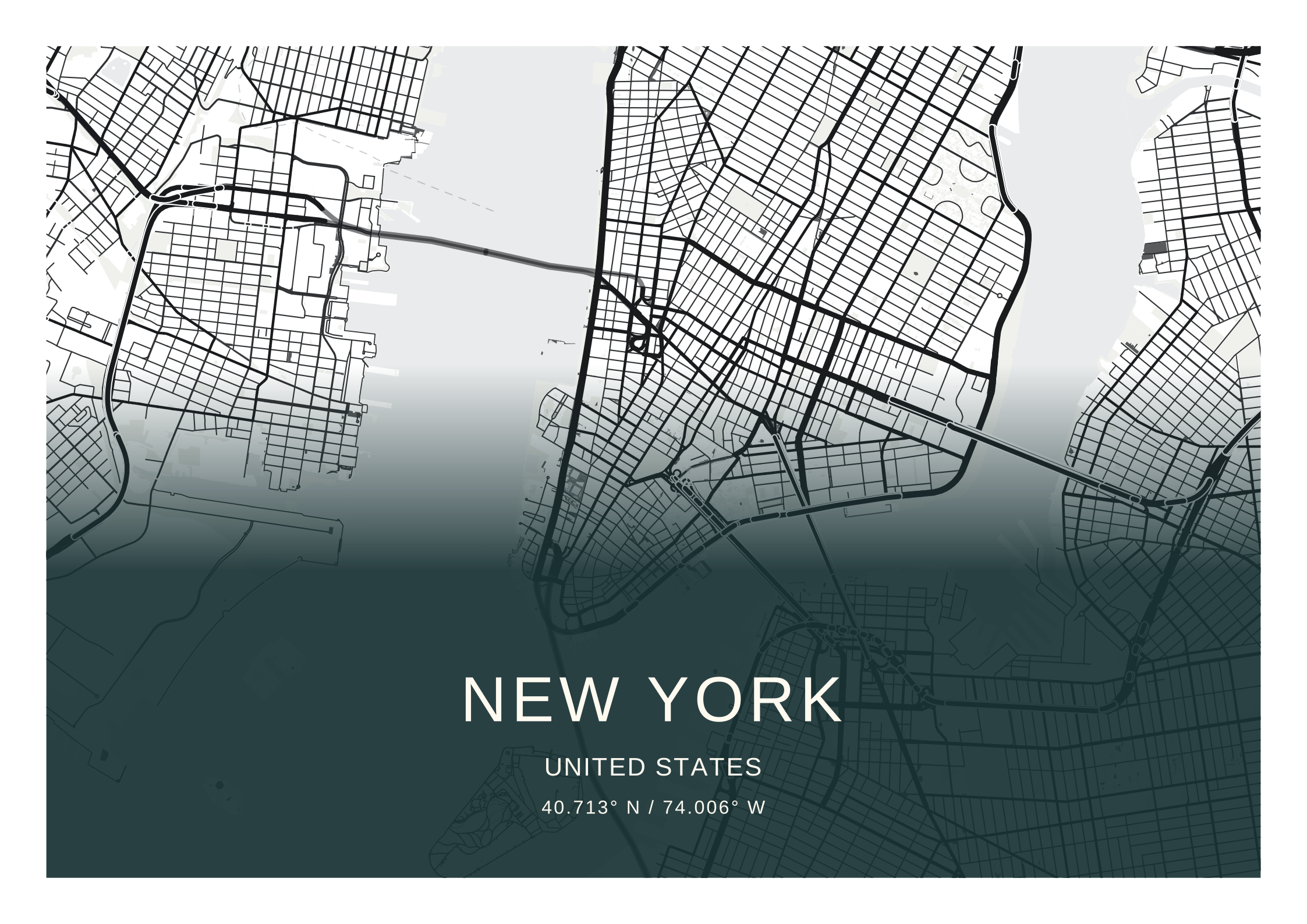
A coloured fade and light text share the same artwork area.
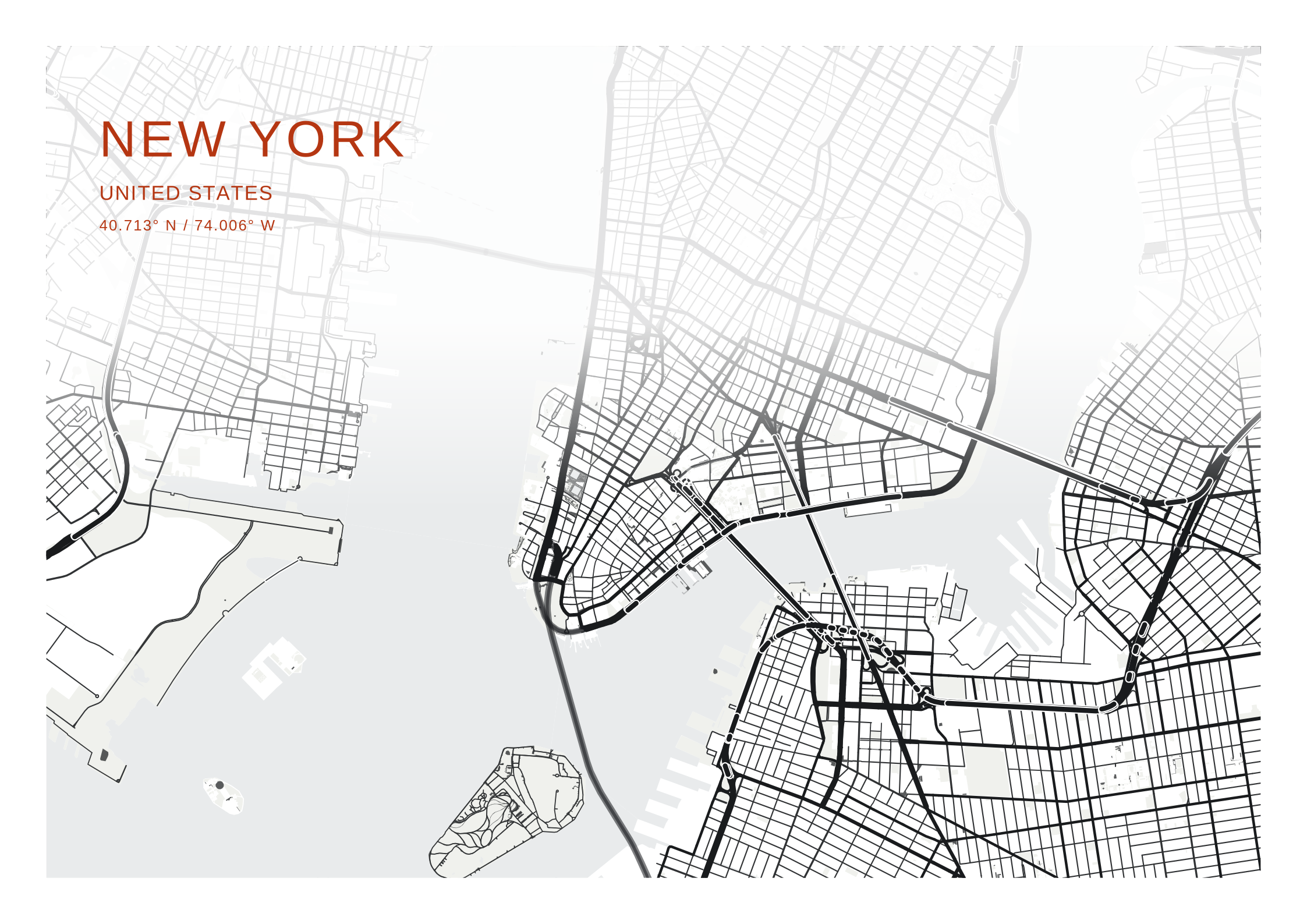
Choose the label ink independently of the map palette.
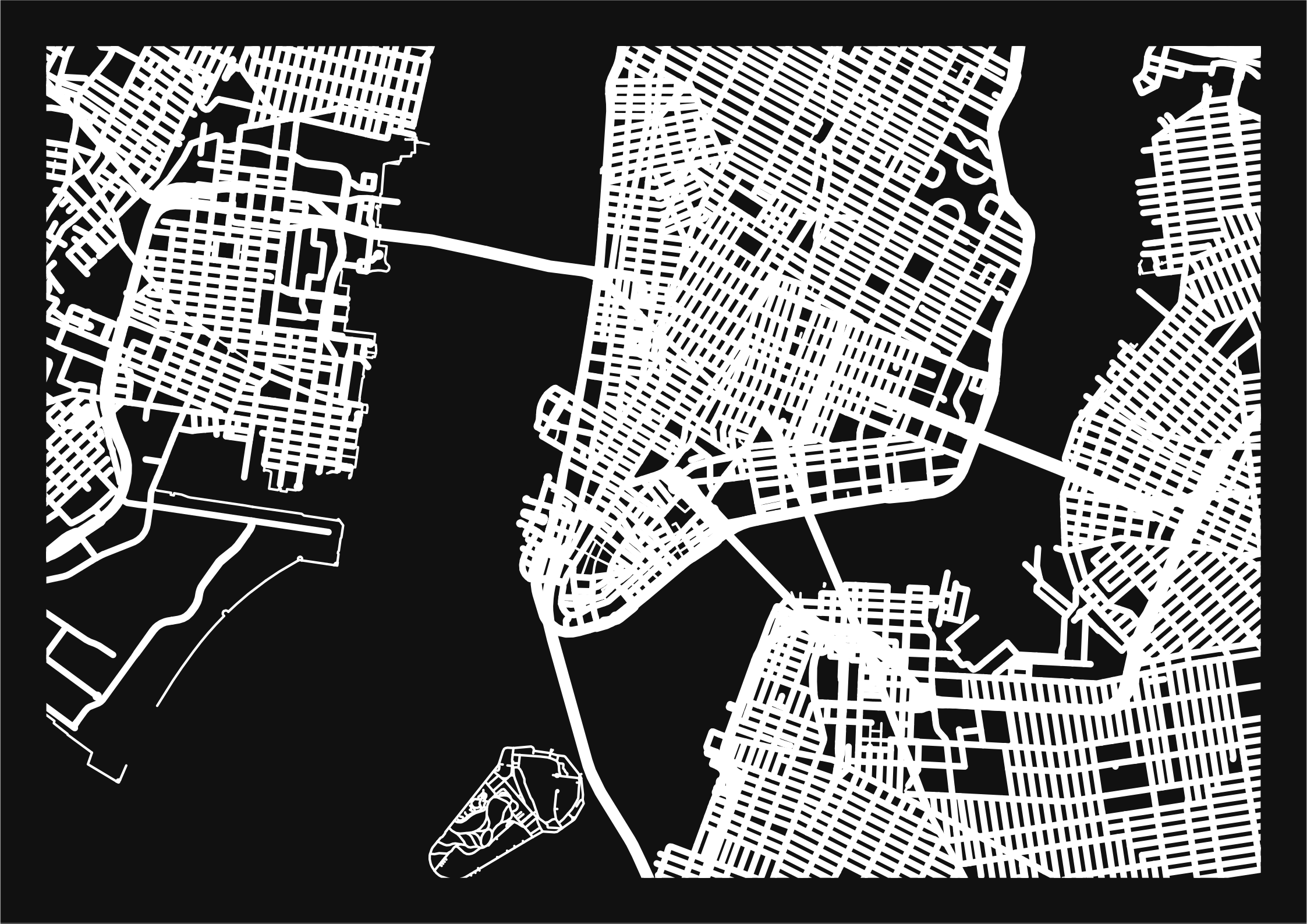
The warm backing shows through real transparent letter shapes.
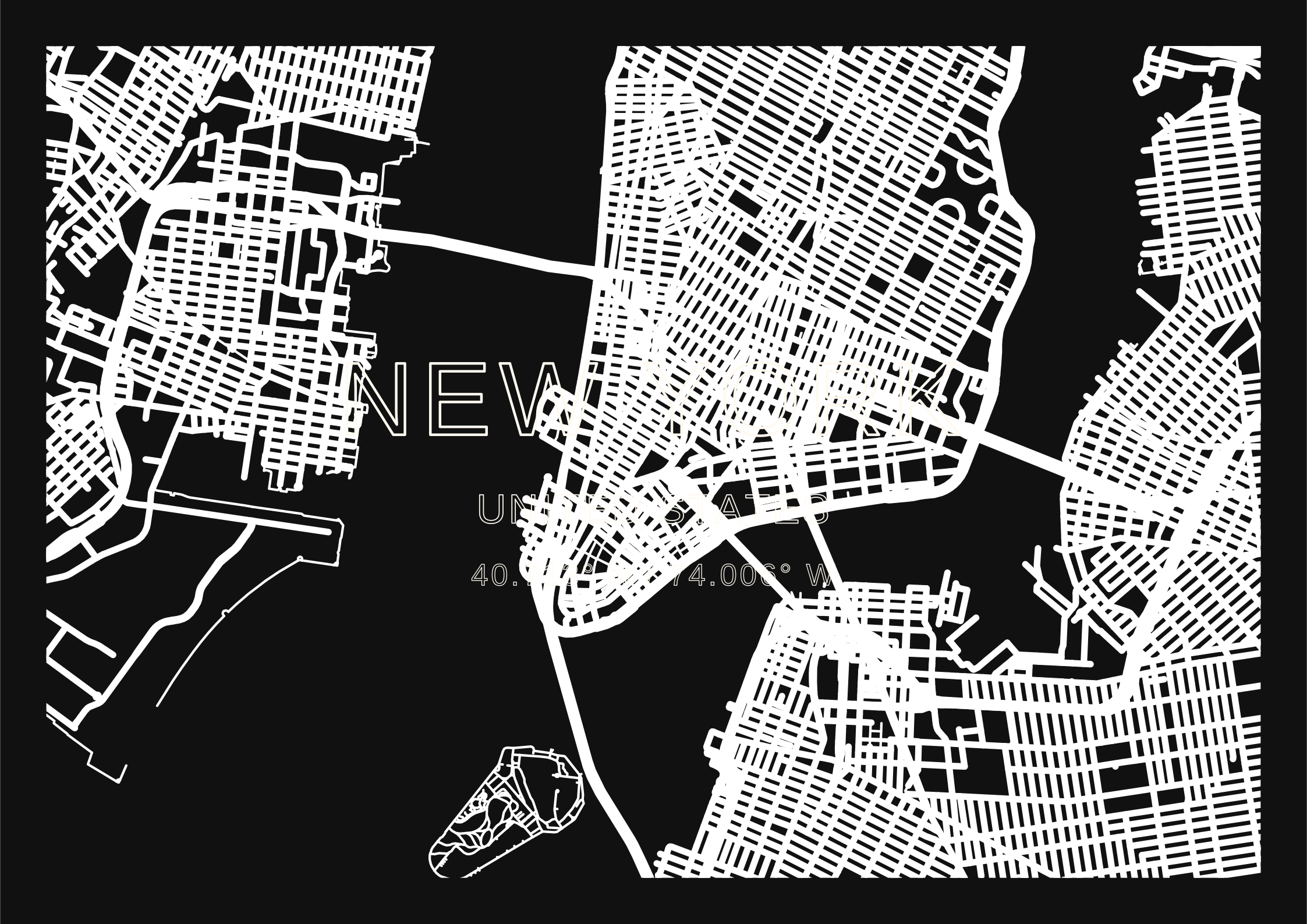
A fine coloured outline leaves the map visible inside every letter.
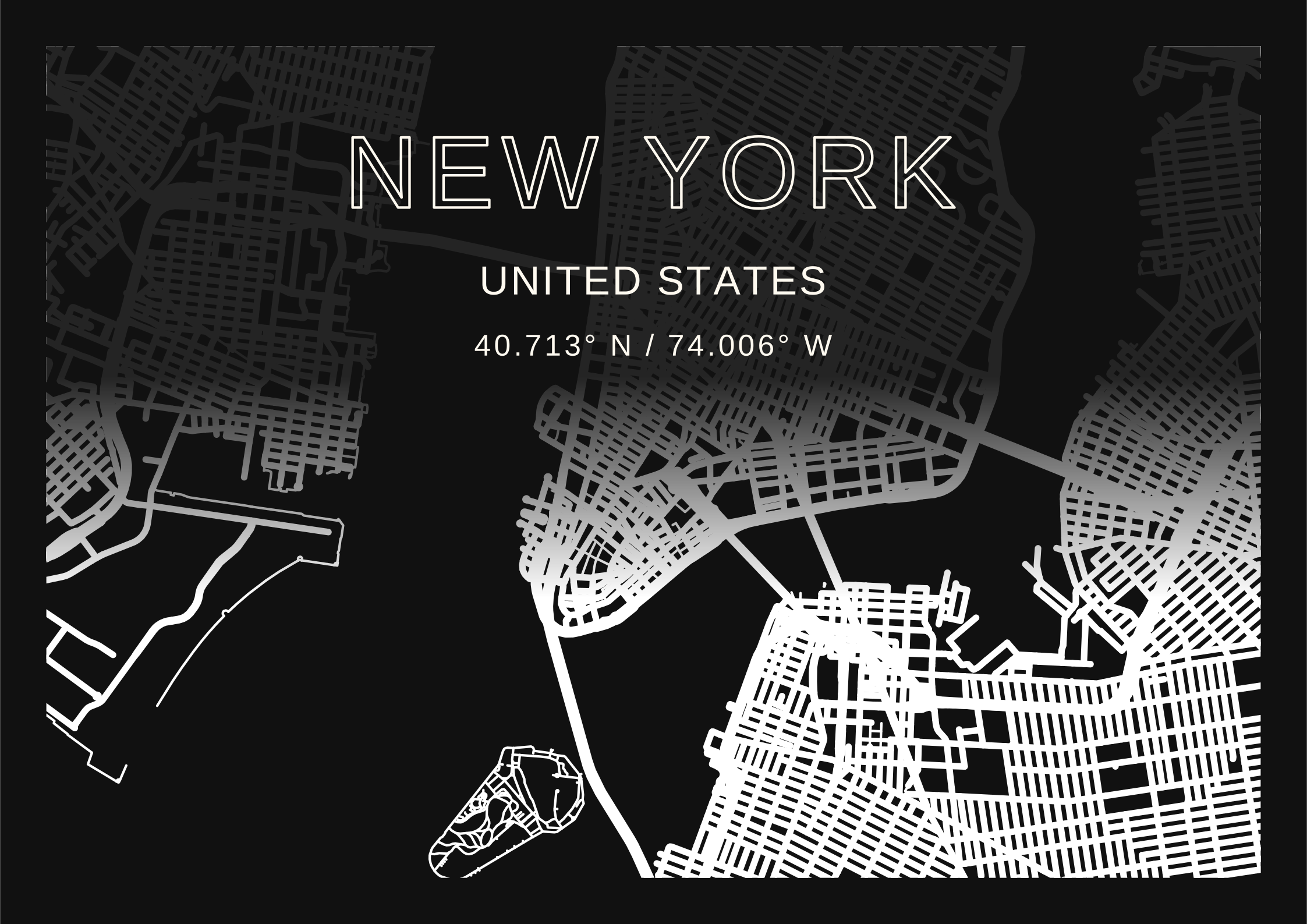
Outline the title while the subtitle and coordinates keep their solid fill.